
Resume Enhancement Tools & Resources
Table of Contents
Tools That Transform Your Resume
The right tools can make resume optimization faster, easier, and more effective. This section reviews the best tools available—free and paid—to help you create, optimize, and test your resume.
Category 1: ATS Testing & Optimization Tools
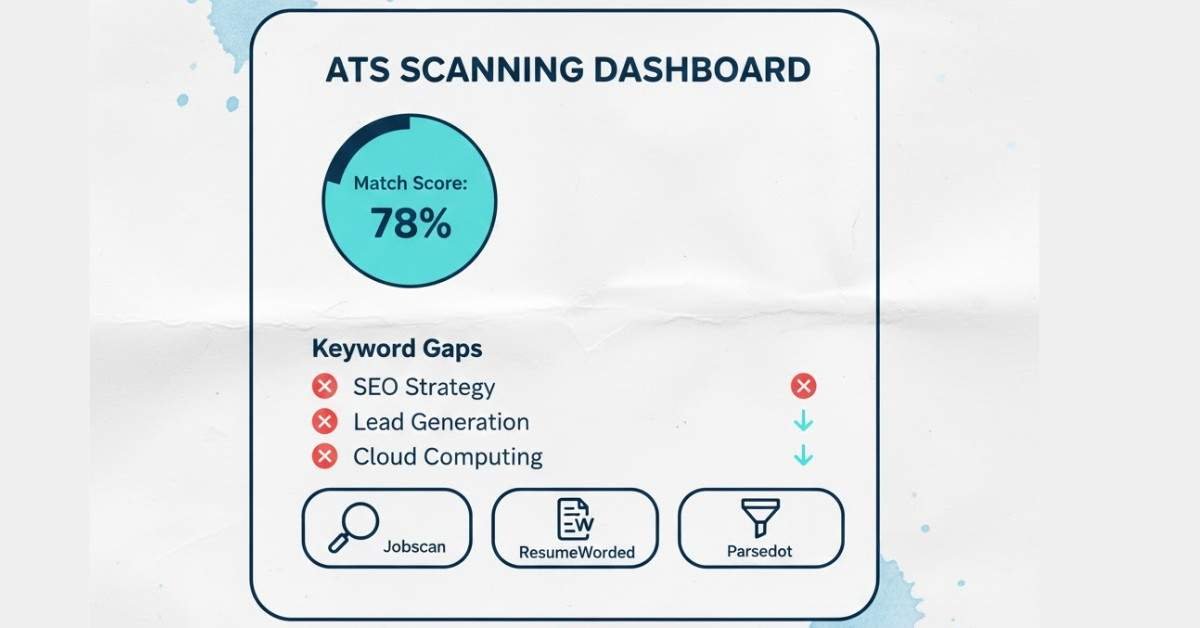
These tools test how well your resume passes ATS systems and identify missing keywords.
JOBSCAN.CO (Top Choice for ATS Testing)
What it does: Paste your resume and job description. Jobscan analyzes your match percentage, identifies missing keywords, and ranks your resume against the top 20 job application keywords.
Pricing:
- Free version: Basic match percentage
- Premium ($49-99/month): Unlimited scans, detailed keyword analysis, ATS format recommendations
Best For: Job seekers wanting specific ATS feedback and keyword optimization recommendations
Limitations: Doesn’t fix the resume for you; just identifies issues
RESUMEWORDED.COM (Best for Resume Audit)
What it does: Free AI-powered resume audit scoring your resume across multiple dimensions: ATS compatibility, recruiter impact, keyword optimization, and action verb usage.
Pricing: Free (basic audit) | Premium ($10/month) for detailed recommendations
Best For: Quick, free audit of your existing resume
Limitations: Limited to audit; doesn’t provide detailed rewriting
PARSEDOT.COM (See What ATS Actually Reads)
What it does: Shows you exactly what an ATS “sees” when parsing your resume. You’ll see formatted text, extracted fields, and any parsing errors.
Pricing: Free
Best For: Understanding how ATS systems actually read your resume formatting
Category 2: Grammar, Spelling & Style Checkers
GRAMMARLY (Industry Standard)
What it does: Real-time grammar, spelling, punctuation, and style checking. Browser extension works in Google Docs, email, LinkedIn, and more.
Pricing:
- Free: Basic grammar and spelling
- Premium ($12/month): Advanced style, tone, clarity checks; plagiarism detection
Best For: Catching typos and grammatical errors before submission
Why it works for resumes: Catches every spelling mistake, suggests stronger word choices, checks consistency
HEMINGWAY EDITOR (Clarity Focused)
What it does: Checks for clarity, readability, and conciseness. Highlights complex sentences and suggests simplifications.
Pricing: Free (online) | $19.99 (desktop app)
Best For: Making resume language clear and punchy
Why it works: Forces you to eliminate fluff and use direct language
Category 3: Resume Builders & Templates
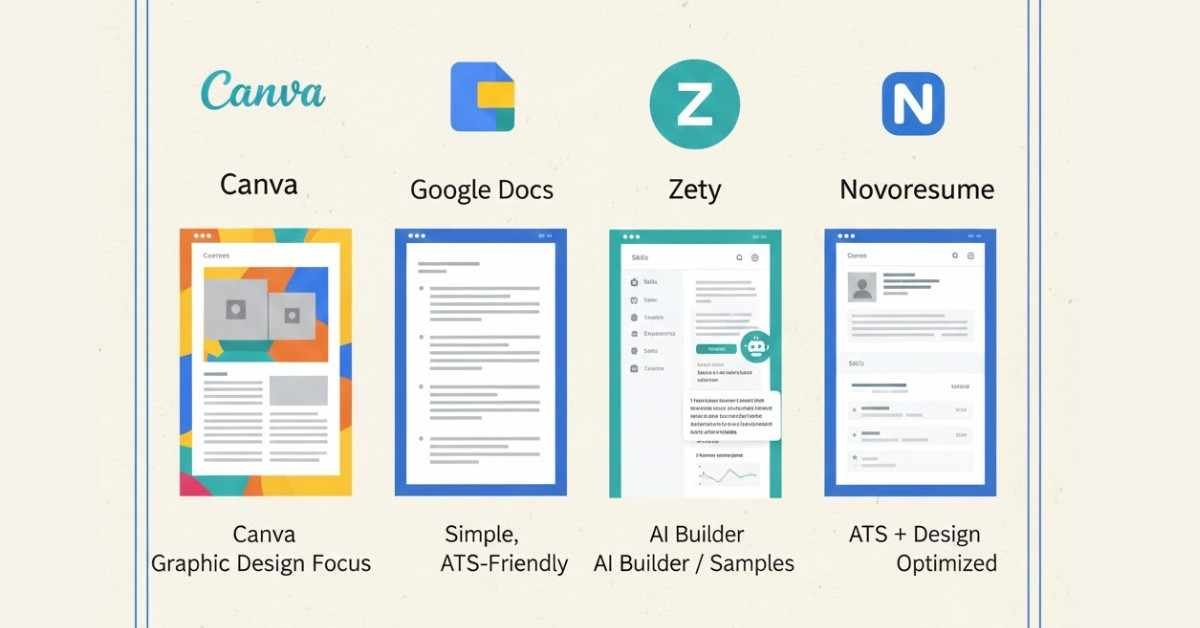
CANVA RESUME BUILDER (Best for Design)
What it does: Drag-and-drop resume builder with professional templates. You fill in information and it auto-formats.
Pricing:
- Free: Access to templates and basic customization
- Premium ($180/year or $18/month): Unlimited downloads, premium templates
Pros:
- Beautiful templates
- Easy to use
- Good for non-technical users
Cons:
- Over-designed resumes don’t always pass ATS
- Limited customization for ATS optimization
GOOGLE DOCS TEMPLATE (Best for Simplicity)
What it does: Google Docs has free resume templates designed to be clean, simple, and ATS-friendly.
Pricing: Free (Google account needed)
Pros:
- Completely free
- Cloud-based (access from anywhere)
- ATS-friendly designs
- Easy to convert to PDF/DOCX
Cons:
- Limited template variety
- Minimal design options (which is actually good for ATS)
How to access: Go to Google Docs > “Template Gallery” > Search “Resume”
ZETY (AI-Powered Resume Builder)
What it does: AI resume builder that walks you through creating a resume step-by-step, auto-formatting as you go.
Pricing:
- Free: Create resume but limited export options
- Premium ($7.99/month): Unlimited downloads, cover letter builder, templates
Pros:
- Beginner-friendly walkthrough
- AI-powered suggestions for bullets
- Multiple professional templates
Cons:
- Paid for actual export
- Design-focused (may not be ATS optimal)
NOVORESUME (Best Balance of Design & ATS)
What it does: Resume builder specifically designed to be both visually appealing AND ATS-friendly.
Pricing:
- Free: Basic resume creation and PDF export
- Premium ($5.99/month): Premium templates, advanced features
Pros:
- Focuses on ATS compatibility
- Good design options
- Career advice integrated
Cons:
- Limited free featurescompared to competitors
Category 4: AI-Powered Resume Optimization
RESUMELY.AI (Best AI Optimizer)
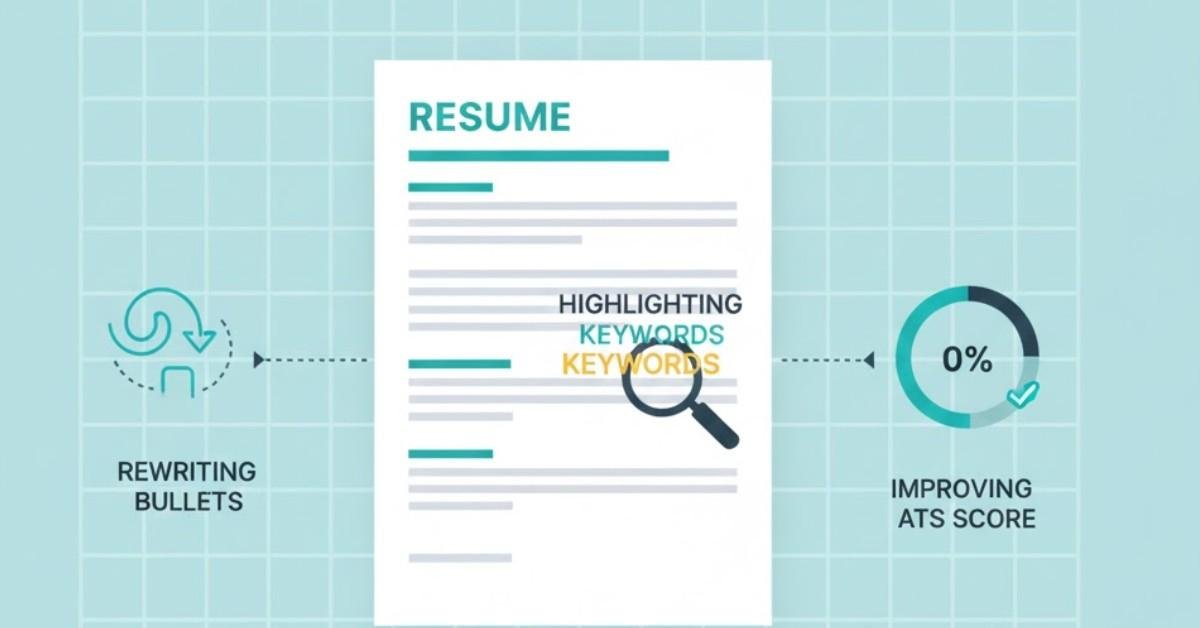
What it does: Upload your resume and target job description. AI analyzes and rewrites your resume to be ATS-optimized, keyword-rich, and impactful.
Pricing:
- Limited free version
- Premium ($15-30/month): Unlimited tailoring, ATS score tracking
Pros:
- Saves massive time on customization
- AI rewrites weak bullets into strong ones
- Tracks ATS score improvements
Cons:
- Premium pricing
- Need to verify AI-generated content is accurate
JOBHERO (Free AI Resume Assistant)
What it does: AI-powered resume builder and optimizer. Choose your role, and AI suggests bullets and content.
Pricing: Free to use (limited) | Premium available
Pros:
- Free AI assistance
- Role-specific bullet suggestions
- Simple interface
Category 5: LinkedIn Optimization
LINKEDIN RECRUITER (Professional Tool)
What it does: LinkedIn’s native recruiting tool. If you’re recruiting others, this is essential. For job seekers, having a strong LinkedIn profile that mirrors your resume is crucial.
Pricing: Recruiter subscription (~$500+/month) | Job seekers: Free LinkedIn account
For Job Seekers: While Recruiter is expensive, ensure your LinkedIn profile mirrors your resume, uses industry keywords, and has a professional photo.
LINKEDIN LEARNING (Skill Development)
What it does: Online courses and certifications on LinkedIn. Get certified in tools mentioned on your resume (Google Analytics, project management, etc.)
Pricing:
- Individual subscription: $29.99/month
- Many employers provide free access
Pros:
- Industry-recognized certifications
- Aligned with your resume
- Add to LinkedIn profile directly
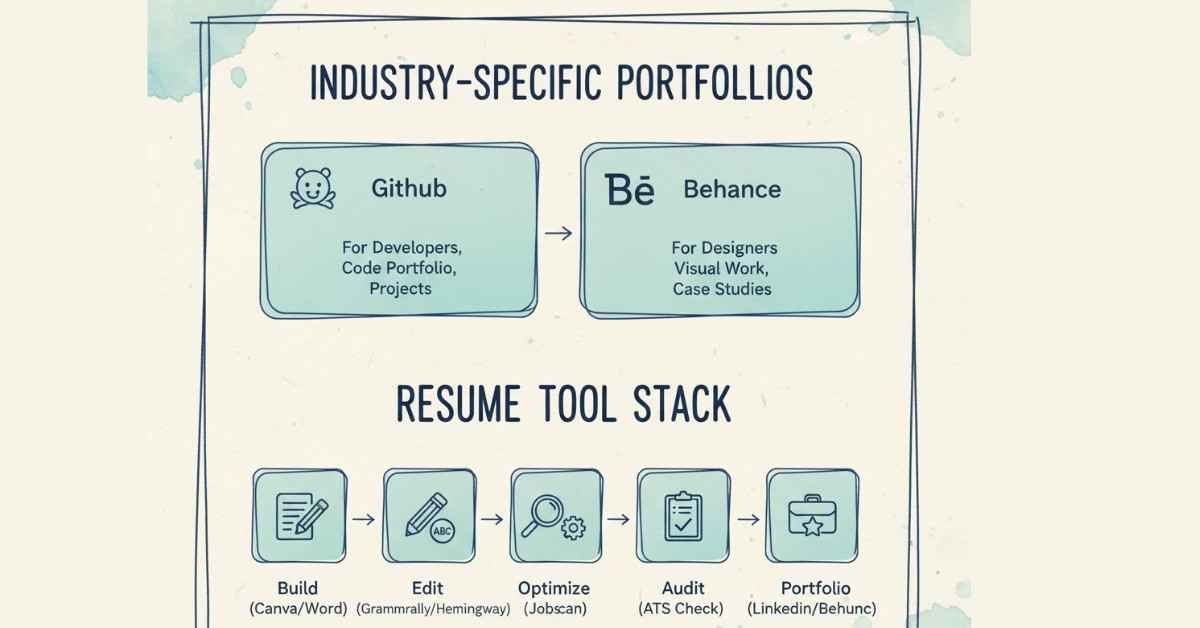
Category 6: Portfolio & GitHub Tools (For Tech/Creative Roles)
GITHUB (For Developers)
What it does: Code repository platform. Host your projects, show your code quality, demonstrate your contributions.
Pricing: Free
Why it matters: Tech recruiters check your GitHub profile. Projects demonstrate real capability.
Best Practice: Link your GitHub in resume header. Ensure:
- README files on projects
- Clear project descriptions
- Regular contributions (show activity)
BEHANCE (For Designers/Creative)
What it does: Portfolio platform for showcasing design work, illustrations, photography, etc.
Pricing: Free
Best Practice: Link to Behance in resume for creative roles
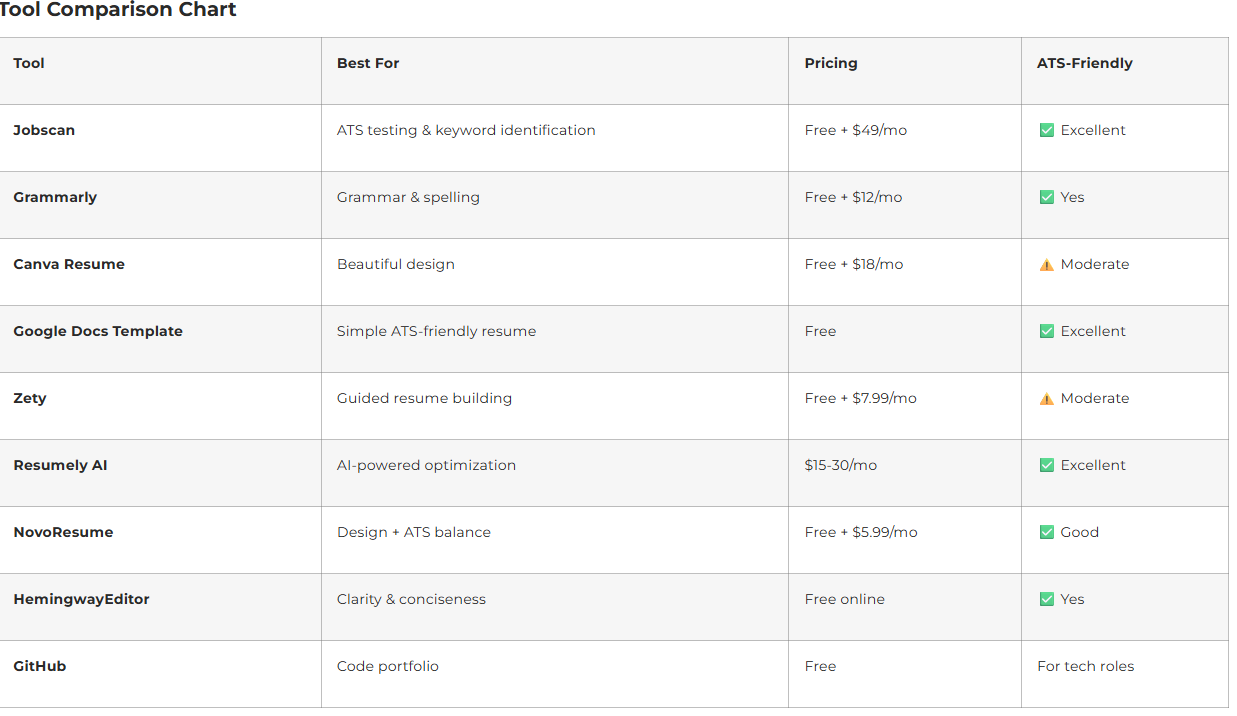
Recommended Tool Stack for Maximum Optimization
Step 1: Build Your Resume
- Use: Google Docs Template (free) or NovoResume (balanced design/ATS)
Step 2: Write & Edit
- Use: Grammarly (catch all errors)
- Use: Hemingway Editor (clarity check)
Step 3: Optimize
- Use: Jobscan (identify missing keywords)
- Use: Resumely AI (if budget allows—saves hours on customization)
Step 4: Final Check
- Use: ResumeWorded (free ATS audit)
- Use: Parsedot (see what ATS actually reads)
Step 5: Portfolio (if applicable)
- Tech: GitHub (link profile)
- Design: Behance (link portfolio)
- Marketing: Personal website or portfolio
Total Cost: $0 (free tools) to $50+/month (if using premium tools)
When to Use Each Tool
For Freshers: Start with Google Docs + Grammarly (free) → Jobscan (free tier) → Done
For Mid-Level: Google Docs or NovoResume → Grammarly + Hemingway → Jobscan (paid) + ResumeWorded → Customized for each application
For Senior Professionals: NovoResume or custom → Grammarly → Jobscan (paid) + Resumely AI (customization) → ResumeWorded → Final polish